Go Live When You Need Real-Time Eyes on the Job
Launch a live video call when a job needs extra attention. Walk through the home together, capture every detail, and automatically save the recording back to the job.
Real-Time Walkthroughs From Anywhere
Connect with customers in a live video call directly from JobLens. Guide them room by room, ask clarifying questions on the spot, and see tricky areas without driving across town.
Recording Saved to the Job
The entire live session is recorded and attached to the customer's upload so you can rewatch, share with your team, or reference it when building the final estimate.
Notes and Snapshots During the Call
Take notes while you're on the call and capture still snapshots from the video. Everything stays organized alongside the rest of the customer's photos and videos.
Go Live When a Job
Needs Extra Eyes.
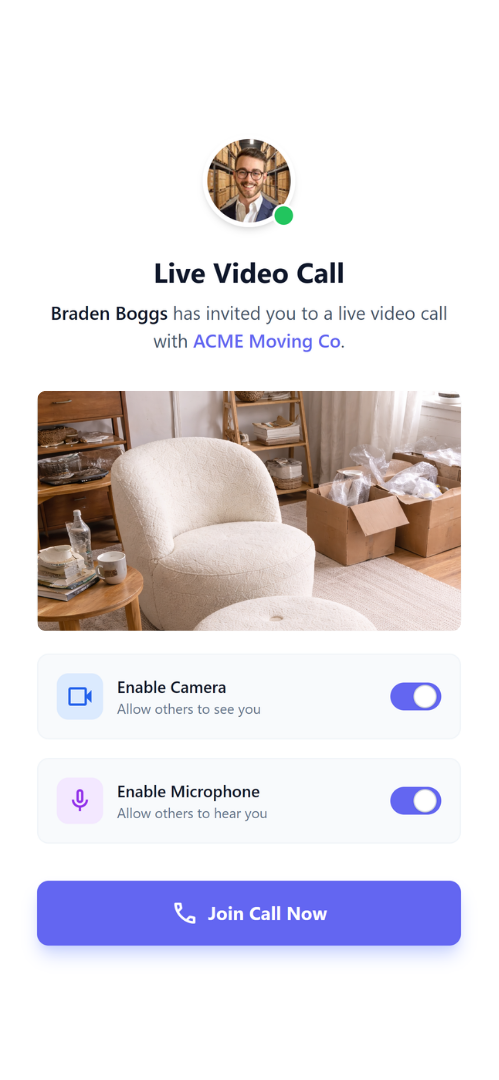
Most moves can be quoted from customer uploads alone. For complex homes or high-value jobs, you can launch a live video call so you and the customer walk the home together in real time.
You guide the walkthrough in real time. JobLens records the call, captures snapshots, and stores everything alongside the photos and videos you've already collected.
- check_circle Launch a live survey without sending your customer to a separate video app.
- check_circle Walk room by room, asking the customer to show access points, tight turns, and tricky items.
- check_circle Use live calls for edge cases while keeping your default workflow upload-based and scalable.
From Live Call to Finished Estimate
Every second of the call turns into usable context — recorded, organized, and ready to review again later.
- 1
Start the live call
From the job in JobLens, tap to join a live video survey and share a call link with your customer. They join from their phone — no app install required.
- 2
Guide the walkthrough
Walk through each room together. Ask to see closets, garages, stairs, and special items while you take notes and capture snapshots from the call.
- 3
Review and quote
When the call ends, the full recording and snapshots live in the same place as the customer's photos and videos. Rewatch tricky areas, check your notes, and build a confident quote.
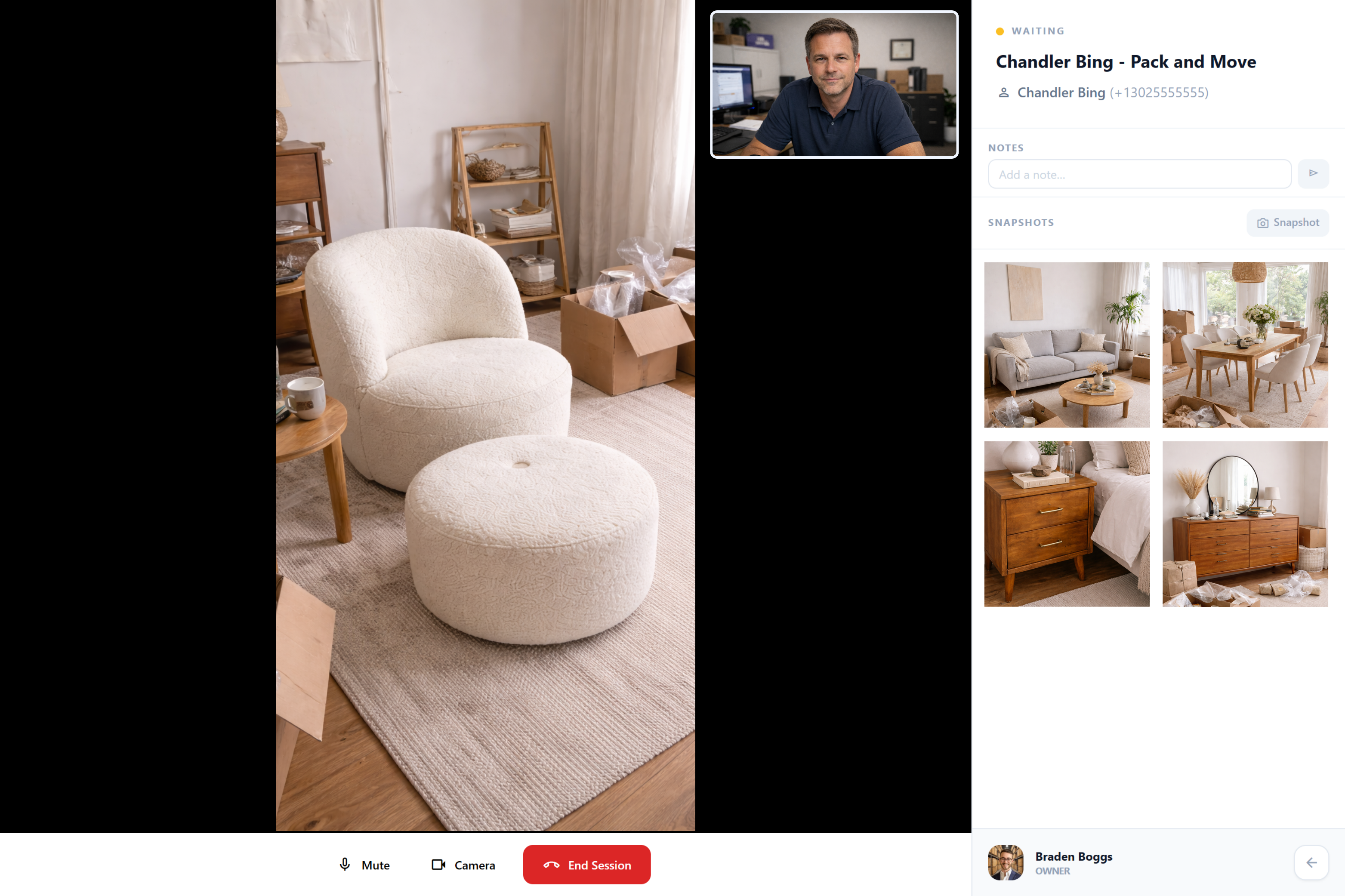
See Everything on One Screen
The estimator's view: live video, customer details, and job notes — all in one dashboard.
Best For
Use live calls when:
- star The job is high-value or complex and you want extra certainty.
- star Access is tricky — elevators, long carries, tight stairwells, or parking challenges.
- star The customer prefers to be guided instead of figuring out what to show.
Stays in Sync
Live and on-demand work together.
Live video doesn't replace your upload-based workflow — it complements it. Most jobs move through the standard room-by-room upload flow.
For the few that need more attention, you join a call, capture everything in one place, and still avoid driving to the home.
The result: you keep your capacity and speed while adding a high-touch option for the jobs that matter most.
More in Surveying & Quoting
Explore other features in this category.
Ready to try Live Video Calls?
Start your free trial and see the difference in your first week.
We'll set up your account personally